
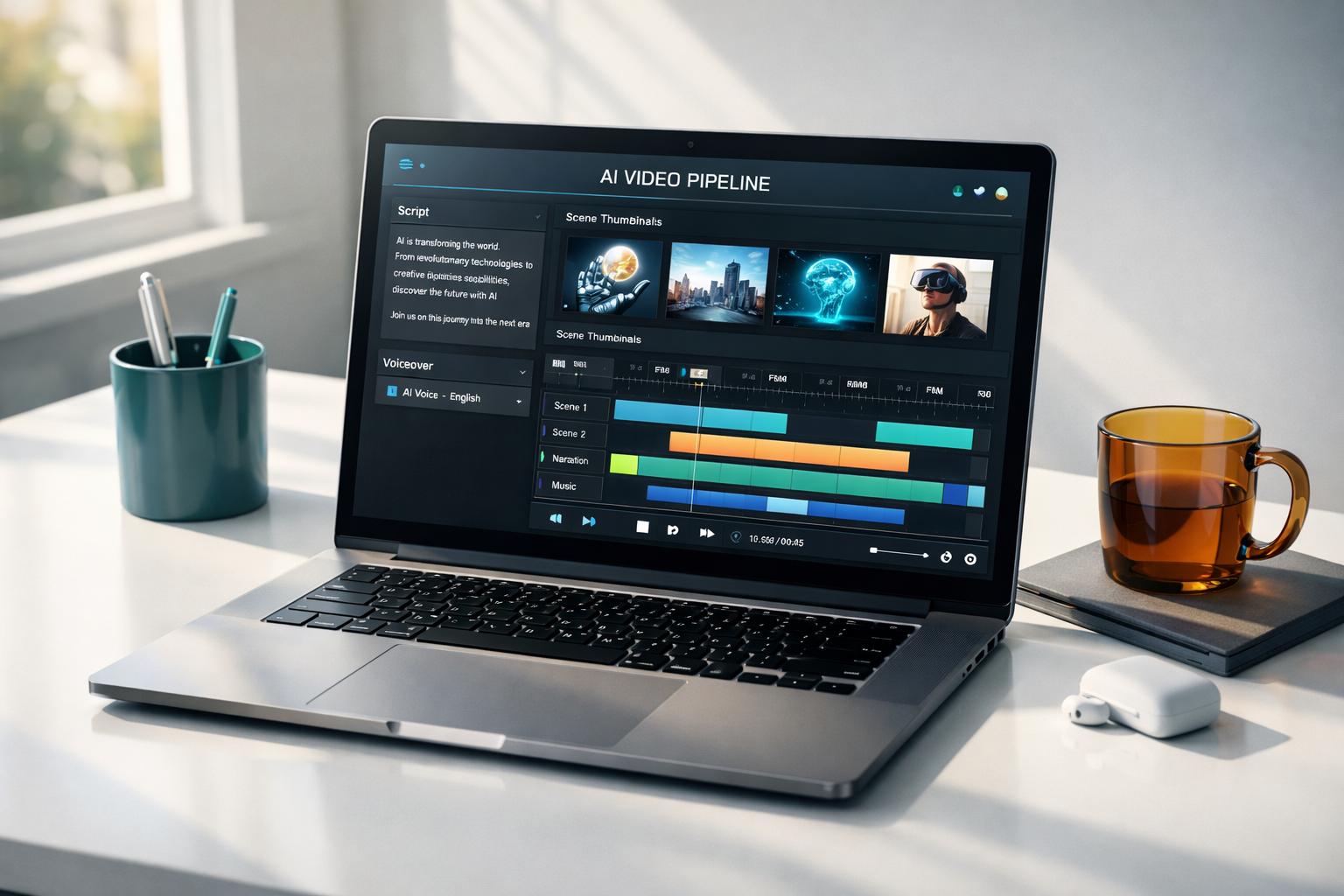
I set out to build an end-to-end system that can take a topic and ship a publish-ready video with minimal human input. Here’s how it works and what I learned.
- The mission: Automate the whole pipeline—research a topic, draft a pro script, synthesize voiceover, generate visuals, render a cohesive video, and prep YouTube metadata.
- Stack & architecture: FastAPI backend, Next.js 16 (App Router) + Tailwind frontend, Remotion for rendering, Supabase for data/storage, and a fleet of AI providers (Claude/Gemini/OpenAI for text, Perplexity for research, Replicate FLUX for images, ElevenLabs/Kokoro for voice).
- Pipeline flow: YouTube ingest → Perplexity research → idea → pro script (style-aware) → voiceover → transcription → timed image prompts → image generation → Remotion render → YouTube metadata. Each step is a background job with status polling and resumable behavior.
- Data + jobs: Supabase stores projects, transcripts, prompts, images, renders, and job logs. Jobs are persisted, logs are trimmed for readability, and project names are normalized to avoid duplicates.
- Rendering: The backend shells Remotion with a temp props file, uploads results to Supabase storage, and records renders for reuse.
- Prompts as code: Prompt templates live in the repo for consistency; routers stay thin, delegating to services for model calls and storage operations.
- UX touches: The frontend polls jobs only when the tab is visible, shows per-step results with timestamps, and keeps job→step mapping stable to avoid noisy state updates.
- Why it matters: It’s a practical example of orchestrating multiple AI services into a durable product workflow—balancing latency, token limits, caching/reuse, and clear observability.
Feel free to reach out if you want to try it, see a demo render, or dive deeper into the architecture.